Pay&Go KYC Verification: Unlock Your Premium Account in a Few Simple Steps
Complete your Pay&Go KYC verification with this step-by-step guide to identity checks, document uploads, and Premium Account activation.
2026 ඔක්තෝබර් 14 · 3 මිනිත්තු කියවීම
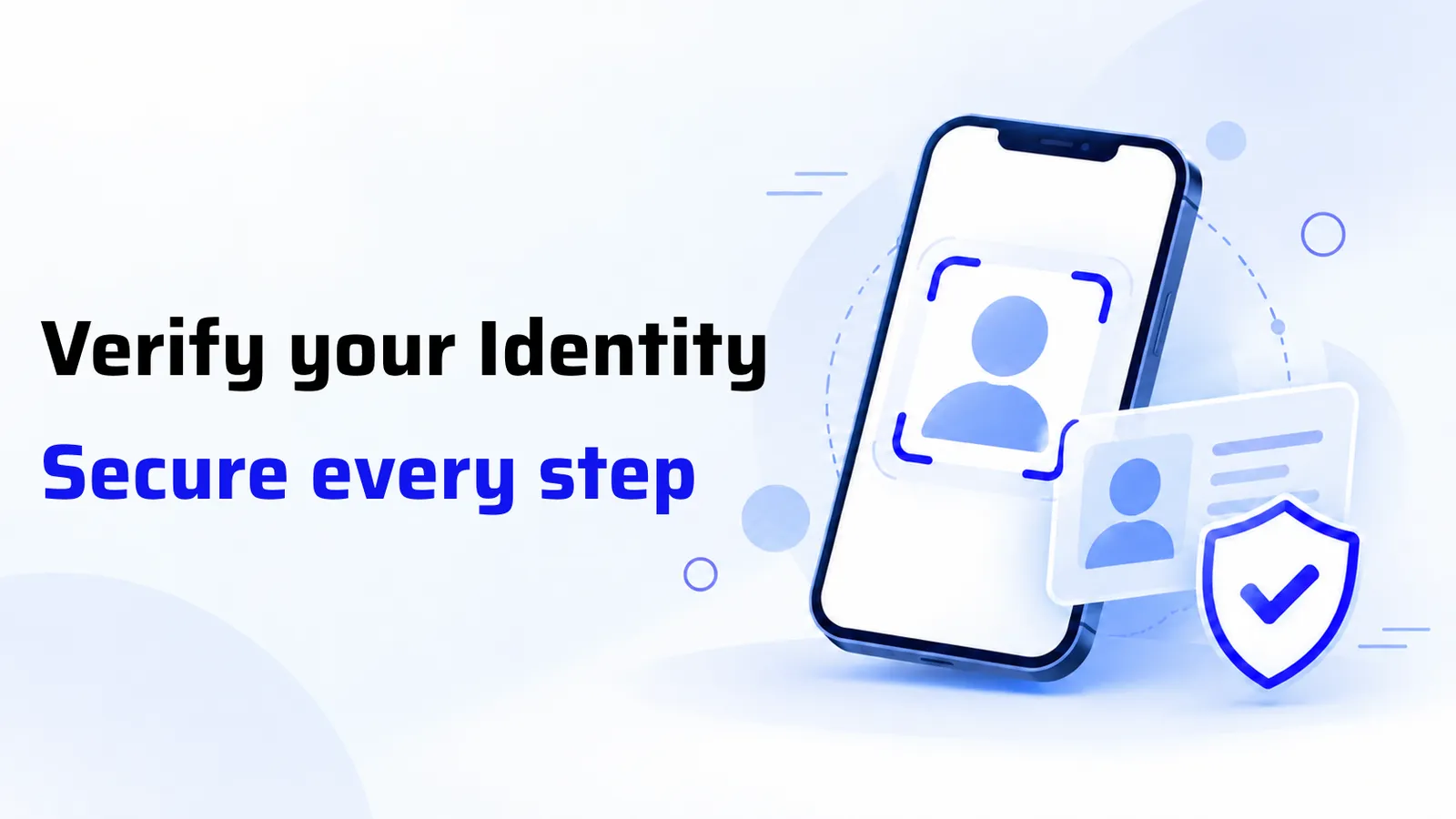
Every Pay&Go Premium Account starts with a quick identity check, known as KYC (Know Your Customer). It protects your money, keeps the platform secure, and unlocks the features that make Pay&Go part of everyday life, including adding your bank account.
The good news is that it takes just a few minutes on your phone, and in most cases approval is completed within a few minutes too.
Before You Begin
Keep your identification document handy and find a well-lit spot. Here is which document to choose:
- Sri Lankan citizens: Select NIC. If you do not have a NIC, you can proceed with your driving licence by selecting the NIC category.
- No NIC or driving licence: You can proceed with your passport.
- Foreign nationals: Select Passport and continue with the verification process.
One note on documents: if you use a passport or driving licence, check the expiry date requirement shown in the app before you start.
Step-by-Step: How to Complete KYC
- Start registration. Open the Pay&Go app, tap the "Join Now – Pay&Go Premium Account" banner, and click Start Verification.
- Select your identification type. Choose NIC, driving licence or passport as above.
- Enter your personal information. Add your NIC number, your address exactly as it appears on your identification document, and your district.
- Continue to identity verification. After submitting your details, you will be taken to the verification screen.
- Complete face verification. Tap Start Face Verification. Your camera opens automatically. If the app asks for camera access, allow it through your phone settings.
- Upload your ID. Capture the front of your NIC, then the back. Make sure each image is clear, focused and fully readable.
- Submit. Review your details and tap Submit.
The One Detail That Matters Most
Enter the NIC number that was given to your bank when you opened your bank account. Even if you now hold an old or a new NIC, the number must match your bank's records. This is the most common reason applications hit a snag, and it also makes linking your bank account later much smoother.
Tips for a Successful Selfie
- Be in a well-lit environment.
- Use a plain, clear background.
- Look directly at the camera.
- Keep your face within the frame until the progress indicator completes.
What Happens After You Submit
The Pay&Go team reviews your application, and in most cases approval comes within a few minutes. Once approved, you can:
- Add your bank account
- Access all Pay&Go Premium Account features
- Enjoy a seamless digital payment experience
Need a Hand?
If you need support during verification or bank account linking, we are here to help:
- Support Chat: In the app, tap More on the Home Screen, select Support Chat, and type your question. Our team actively monitors the chat.
- Hotline: 011 742 0888
- Email: [email protected]
Verified and ready to link your bank account? Our step-by-step guide on adding a bank account is the natural next step.
Download the Pay&Go app: https://paygo.lk/s/app
තත්පර කිහිපයකින් ඔබේ බිල් ගෙවන්න
විදුලිය, ජලය, දුරකථන, රක්ෂණ සහ ණය — එක් යෙදුමක බිල්පත් 80කට වඩා.
බිලක් ගෙවන්නදිගටම කියවන්න
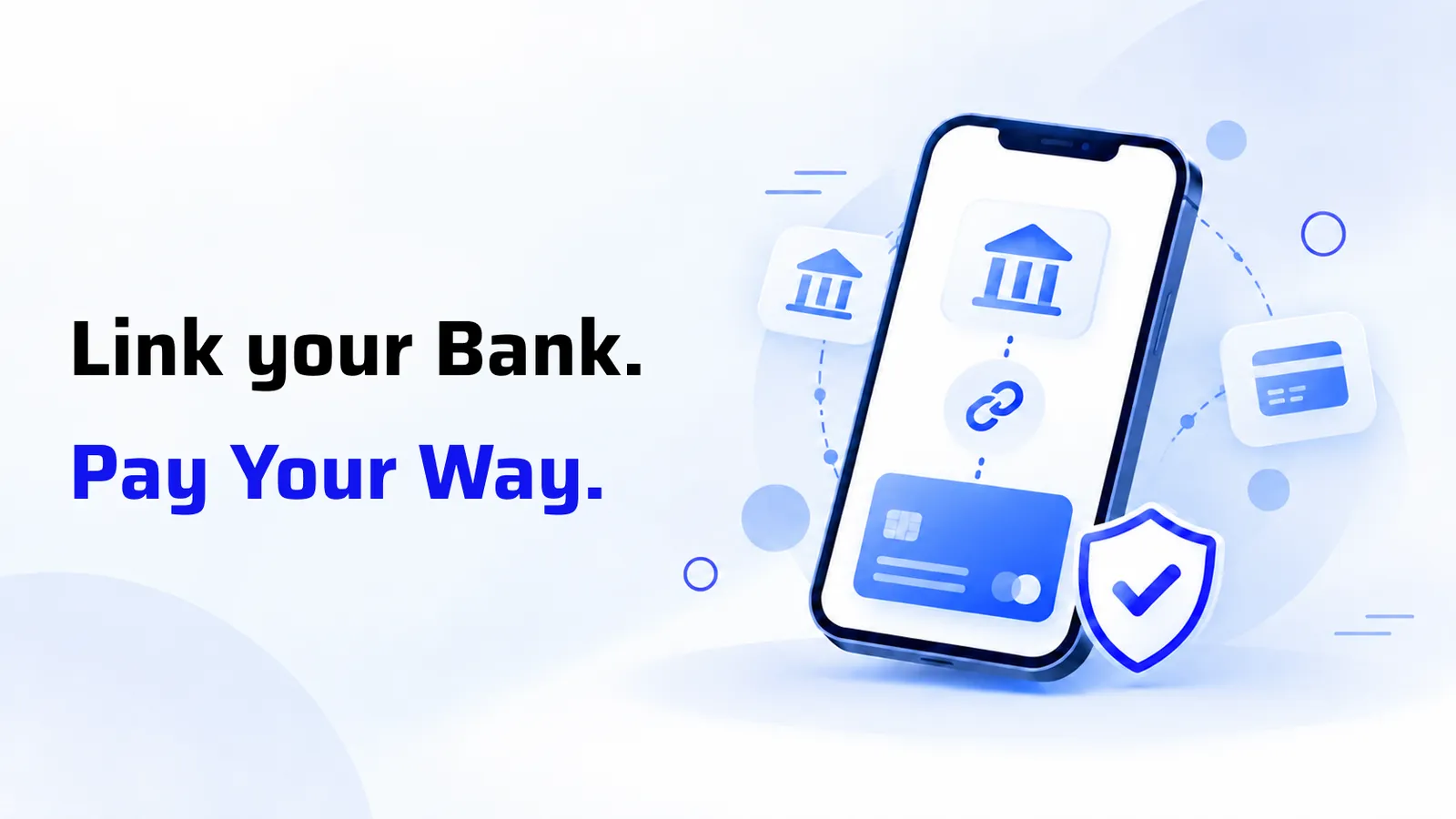
How to Add a Bank Account to Pay&Go: Simple, Secure and Ready in Minutes
Learn how to link your bank account to Pay&Go, with step-by-step instructions, requirements and more tips.
2026 ඔක්තෝබර් 14 · 2 මිනිත්තු කියවීම
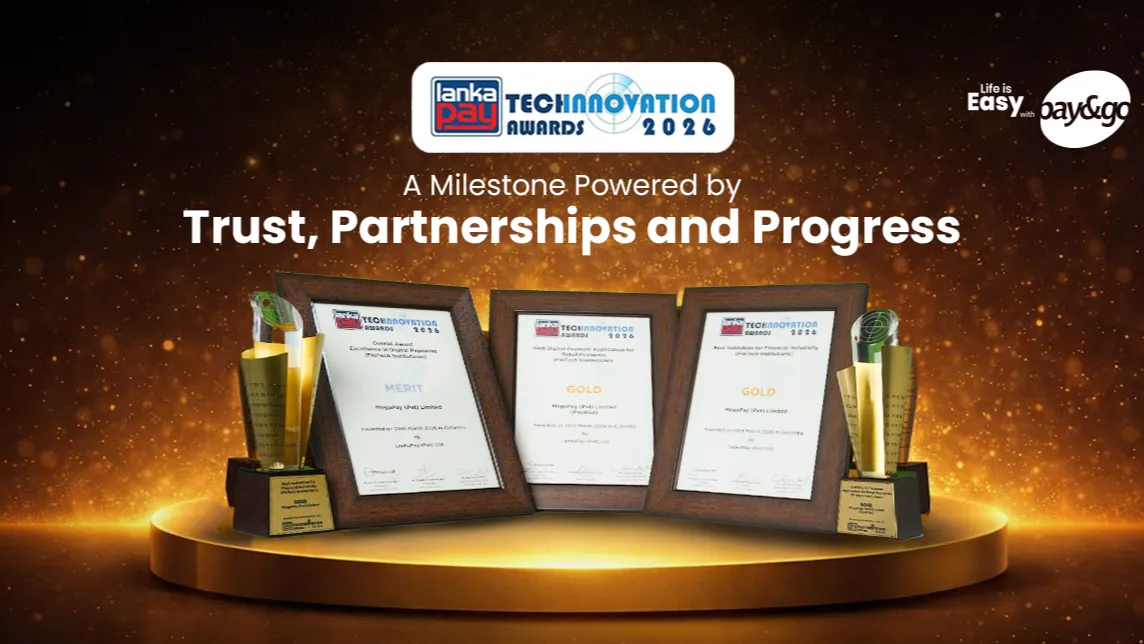
A Milestone Powered by Trust, Partnerships and Progress
Pay&Go celebrates three major wins at the LankaPay Technnovation Awards 2026, recognising the trust, partnerships and innovation driving Sri Lanka’s digital payment ecosystem.
2026 ඔක්තෝබර් 12 · 2 මිනිත්තු කියවීම
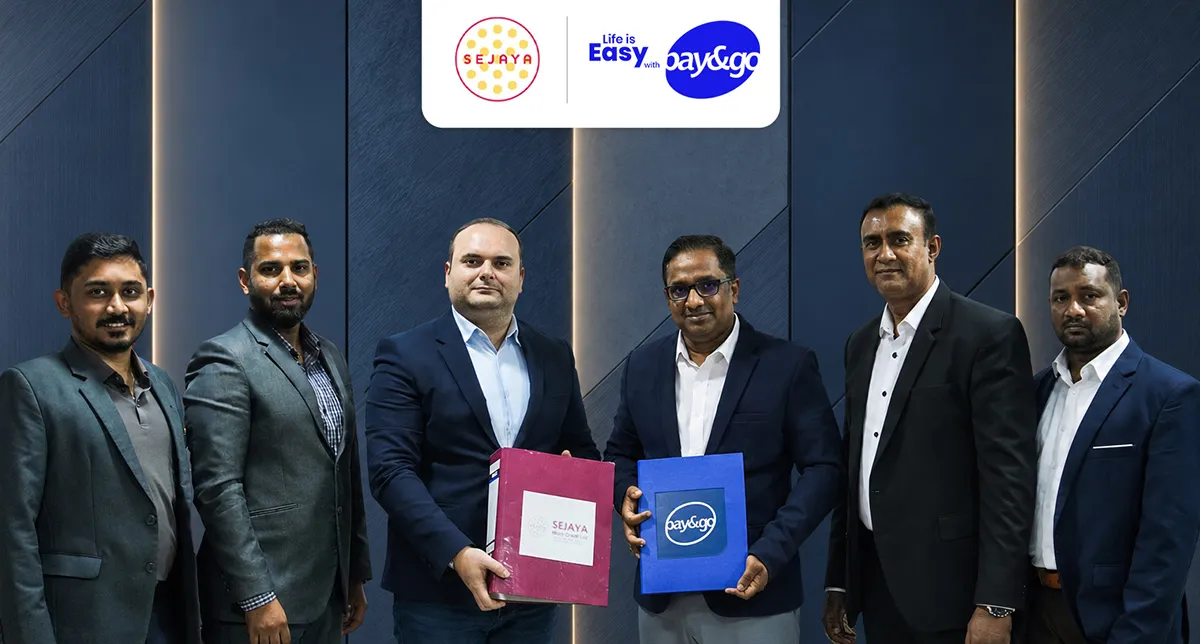
Pay&Go Partners with Sejaya Micro Credit to Make Loan Repayments Simpler and More Accessible
Pay&Go partners with Sejaya Micro Credit to simplify loan repayments through the App, POS and 1,000+ kiosks across Sri Lanka, making payments more accessible.
2026 ඔක්තෝබර් 7 · 1 මිනිත්තු කියවීම