Online Bill Payment in Sri Lanka: Pay in a Minute | Pay&Go
Online bill payment in Sri Lanka for CEB, LECO, water, insurance and finance. Pay by card with no sign-up, or from your bank account in the Pay&Go app.
2026 නොවැම්බර් 23 · 5 මිනිත්තු කියවීම
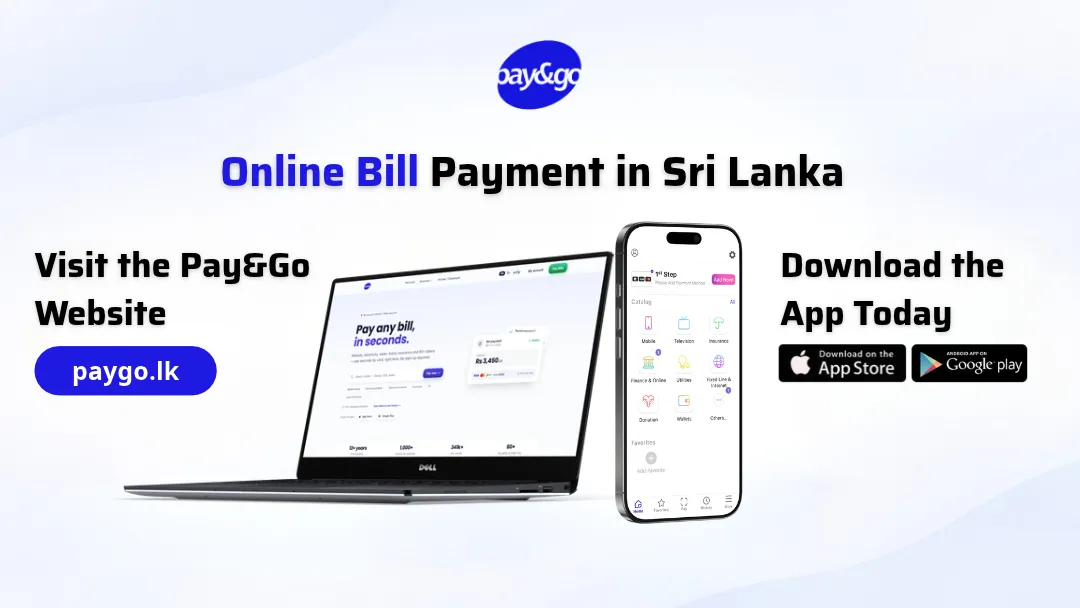
Online bill payment in Sri Lanka is now the quickest way to settle your monthly bills. With Pay&Go, you can pay utilities, insurance, finance and lease instalments, mobile reloads and other bills from home, at any hour. This guide shows two ways to pay bills online: on the Pay&Go website with no sign-up, or in the Pay&Go app.
What You Need to Pay Bills Online
Keep these ready before you start:
- Your account or reference number. Use the number printed on your bill, loan or lease agreement, or service agreement. Some billers, such as finance companies, may use your NIC number as the reference instead. Pay&Go uses this number only to find your account with that biller.
- Your mobile number. Pay&Go uses it to contact you about this payment and to send your confirmation.
- A way to pay. Use a bank card, or pay straight from your bank account.
To pay in the Pay&Go app, set up your profile first:
- Complete KYC. Verify your identity in the app before your first payment. This is a regulatory requirement for payment apps.
- Add your bank account. Link the account you want to pay from. You only need to do this once.
Which Bills Can You Pay With Pay&Go?
Pay&Go covers the bills most Sri Lankan households pay every month:
- Electricity: pay your CEB and LECO bills online. For LECO, you can see your outstanding balance and get real-time updates after you pay.
- Water: National Water Supply and Drainage Board (NWSDB), with real-time payment and balance updates.
- Phone and internet: [CONFIRM: telecom billers currently live on Pay&Go, e.g. SLT, Dialog].
- Insurance, finance and leasing: for example, Sanasa Life Insurance, Abans Finance and LoanMe.
- Local government: Kandy Municipal Council taxes and bills.
The app also handles mobile reloads and postpaid plans. See every biller on the Pay&Go bill payment page.
How to Pay a Bill on the Pay&Go Website
You can pay by card on the website without an account. To pay from your bank account, sign in to your Pay&Go account first. Most payments take under a minute.
Step 1: Choose Your Biller
Open the biller list on paygo.lk and select your biller. For example, you can pay your CEB bill online from its own page.
Step 2: Enter Your Details
Enter your account or reference number exactly as it appears on your bill, loan or lease agreement, or service agreement. Then enter your mobile number.
Step 3: Verify the Account
Tap Check. Pay&Go confirms the account, so your money goes to the right place.
Step 4: Pay
Pay by card on the secure checkout. If you are signed in, you can also pay from your bank account with JustPay. The options shown depend on the biller.
Step 5: Keep Your Receipt
You get an instant receipt on screen. A copy is also sent to your email.
Save Time With a Pay&Go Account
If you pay bills often, or want to pay from your bank account, create a Pay&Go account on the website. Verify your mobile number and identity to unlock these features:
- Saved bank accounts. Pay from your bank account with one tap, without re-entering details.
- Saved billers. Store billers with their account numbers for one-tap and bulk payments.
- Recent payments. See your payment history in one place.
How to Pay Bills in the Pay&Go App
The app suits bills you pay every month. Pay&Go shows the amount due for each biller, so you know exactly what you owe before you pay.
Before you start, make sure you have completed KYC and added your bank account.
- 1. Open the Pay&Go app and choose a category, such as Utilities. [CONFIRM: category names in the current app]
- 2. Select your biller, for example CEB.
- 3. Enter your account or reference number, as printed on your bill, loan or lease agreement, or service agreement.
- 4. Check the name and the amount due, then tap Next.
- 5. Choose the added bank account or card.
- 6. Tap Pay.
Website or App: Which Should You Use?
Use the website for a one-off card payment. It works in any browser, with no sign-up needed. To pay from your bank account or save billers, sign in to your Pay&Go account.
Use the app if you have recurring bills and payments. You can schedule payments and add favourite payments as well.
Both options use the same account check, so you can see whose bill you are paying before any money leaves your account.
Is It Safe to Pay Bills Online With Pay&Go?
Yes. Card payments run on a banking partner's PCI-compliant checkout.
JustPay payments are run by your bank. You approve each one with a one-time password (OTP) from your own bank. Pay&Go never sees your banking password. Learn how LankaPay JustPay works on the official site.
Frequently Asked Questions
Do I Need an Account to Pay a Bill on the Pay&Go Website?
Not for card payments. Enter your account or reference number and mobile number, tap Check, then pay by card. To pay from your bank account, sign in to your Pay&Go account first.
Can I Save My Billers on the Pay&Go Website?
Yes. Create a Pay&Go account and verify your identity. You can then save billers and bank accounts for one-tap and bulk payments.
What If My Account Number Is Not Found?
Check the number against your latest bill. Remove spaces and dashes. If it still fails, the biller may use your NIC number instead.
What If My Payment Shows as Pending?
Most payments confirm instantly. If yours does not, do not pay a second time. Keep your receipt and contact Pay&Go support.
Will I Get a Receipt?
Yes. You get an instant receipt on screen, and a copy is sent to your email.
Need a Hand?
- In the app: go to More, then Support Chat.
- Hotline: 011 742 0888
- Email: [email protected]
Download the Pay&Go app: paygo.lk/s/app
තත්පර කිහිපයකින් ඔබේ බිල් ගෙවන්න
විදුලිය, ජලය, දුරකථන, රක්ෂණ සහ ණය — එක් යෙදුමක බිල්පත් 80කට වඩා.
බිලක් ගෙවන්නදිගටම කියවන්න
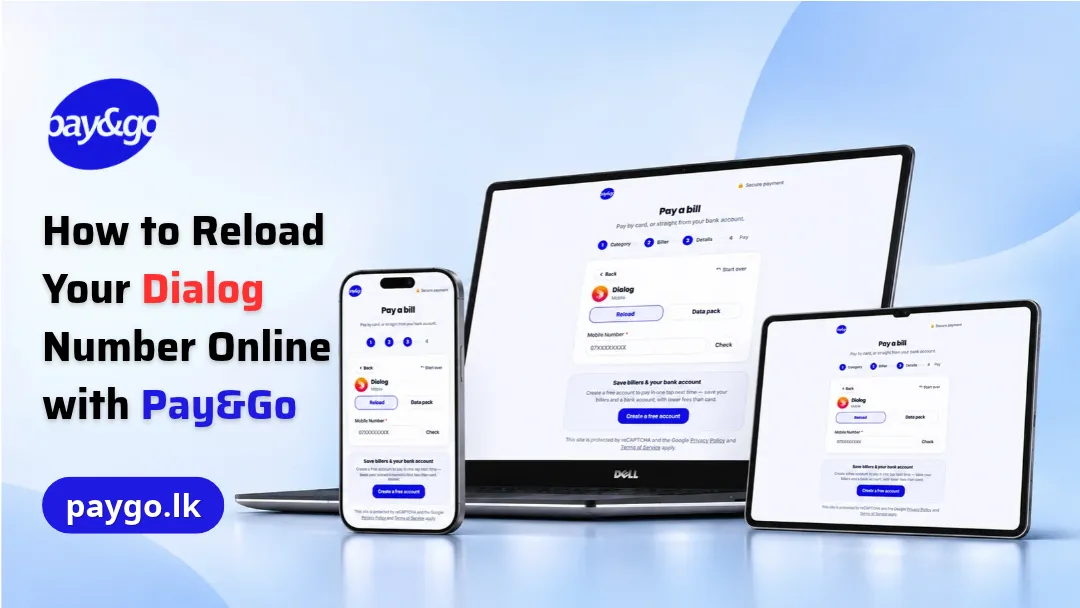
Dialog Online Reload: Top Up in a Few Clicks | Pay&Go
Dialog online reload made simple. Top up any Dialog number on paygo.lk with Visa, Mastercard, UnionPay, or your bank account. Step-by-step guide.
2026 නොවැම්බර් 23 · 3 මිනිත්තු කියවීම
How to Pay Your Water Bill (NWSDB) Using the Pay&Go App- Pay&Go Blog
Pay your NWSDB water bill online from your phone with Pay&Go. Check your amount, pay from your bank account, and get an instant receipt in minutes.
2026 නොවැම්බර් 6 · 3 මිනිත්තු කියවීම
How to Pay Your CEB Bill using the Pay&Go App- Pay&Go Blog
Pay your CEB bill from your phone in under a minute. See your real-time balance to pay, get an instant receipt, and skip the queues with Pay&Go.
2026 ඔක්තෝබර් 29 · 2 මිනිත්තු කියවීම