Dialog Online Reload: Top Up in a Few Clicks | Pay&Go
Dialog online reload made simple. Top up any Dialog number on paygo.lk with Visa, Mastercard, UnionPay, or your bank account. Step-by-step guide.
November 23, 2026 · 3 min read
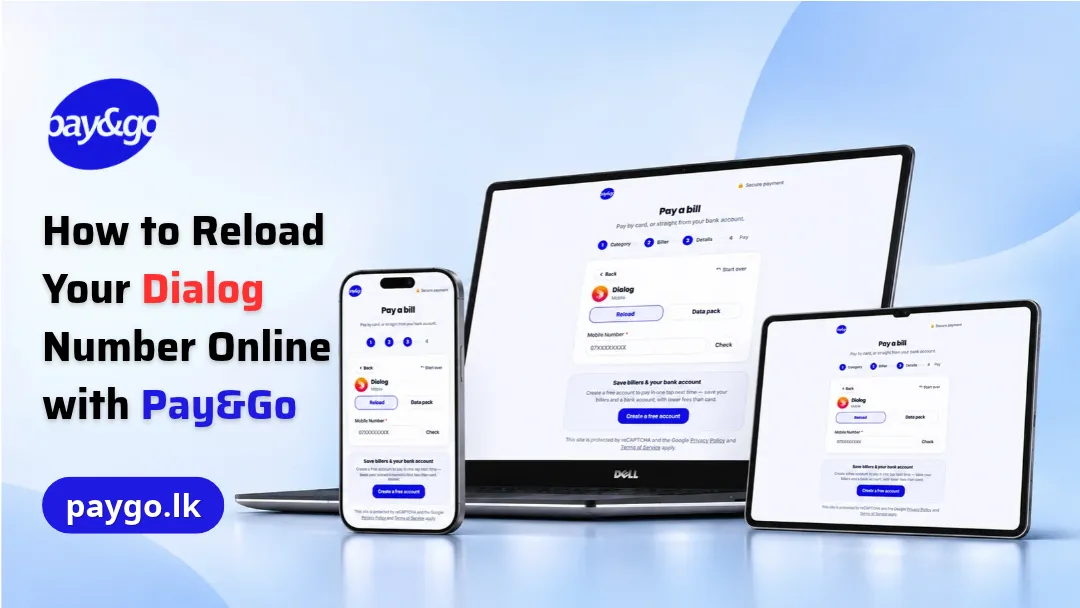
Running low on credit at the wrong moment is never fun. With a Dialog online reload on the Pay&Go website, you can top up any Dialog number from your phone or computer. There is no need to find a shop or buy a reload card. This guide walks you through each step, from choosing Dialog to confirming the payment with a one-time password.
Pay&Go is one of several ways to pay bills online in Sri Lanka, and Dialog reloads sit in the same place as your other bills.
What You Need for a Dialog Online Reload
Before you start, have these ready:
- A phone or computer with a web browser, open on paygo.lk.
- The Dialog number you want to reload.
- An email address for your payment record.
- A debit or credit card, or a bank account with completed KYC verification.
How to Reload Dialog Online: Step by Step
Step 1: Click Pay Bills and Choose Dialog
Go to paygo.lk and click Pay Bills. From the list of billers, choose Dialog.
Step 2: Select Reload and Enter the Number
Click Reload. Enter the Dialog mobile number you want to top up. Check every digit before you move on.
Step 3: Add Your Email and Reload Amount
Enter your email address. Use an email address you check regularly. Then type the amount you want to reload. The minimum reload is Rs. 20.
Step 4: Choose Card or Bank Account
Pick how you want to pay: Card or Bank Account. Card payments work straight away. To pay from your bank account, you first need to complete KYC (Know Your Customer) verification. Once you are verified, you can reload directly from your bank account.
Step 5: Enter Your Details and Confirm with OTP
Enter your card or bank account details. You will then receive a one-time password on your phone. Enter the OTP to approve the payment. Once it is accepted, your payment is complete, and the reload goes to the Dialog number.
Frequently Asked Questions
Should I pay by card or bank account?
Both options reload your Dialog number the same way. A card is the quickest choice if you want to reload right now. A bank account lets you pay without a card, once you have completed KYC verification.
Which cards can I use to reload Dialog online?
You can pay with a debit or credit card. We accept Visa, Mastercard and UnionPay.
What is KYC verification, and why do I need it?
KYC stands for Know Your Customer. It is a quick identity check that keeps your bank account and your payments safe. You only need it to pay from a bank account. After you are verified, you can reload Dialog straight from your account.
Can I reload someone else's Dialog number?
Yes. In step 2, enter the other person's Dialog number instead of your own. It is a handy way to top up a parent's, child's or friend's phone.
What if I entered the wrong number?
Contact Pay&Go support straight away with your transaction details. If a refund is approved, it goes back to the card you paid with. We will confirm it at the email address you entered during payment.
Need a Hand?
If something does not look right, the Pay&Go team is ready to help:
- Hotline: 011 742 0888
- Email: [email protected]
Have your transaction details ready, so the team can help you faster.
Reload Dialog in a Few Clicks
A Dialog online reload on the Pay&Go website takes only a few clicks. Choose Dialog, enter the number and amount, pay by card or bank account, and confirm with your OTP. Prefer to pay from your phone? You can do the same and more in the Pay&Go app.
Download the Pay&Go app: paygo.lk/s/app
Pay your bills in seconds
Electricity, water, telco, insurance and loans — over 80 billers in one app.
Pay a billKeep reading
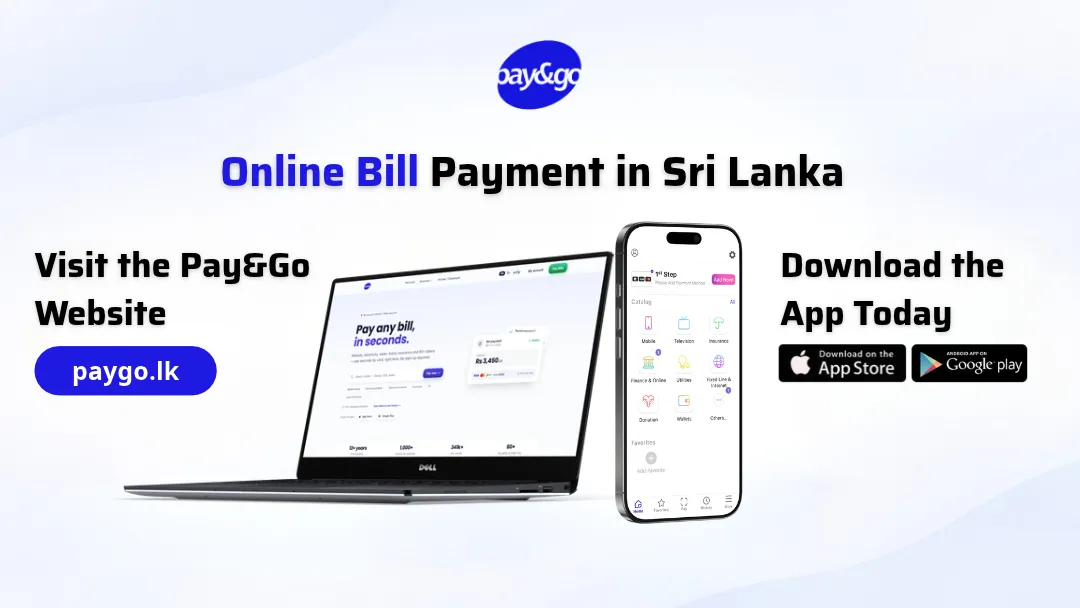
Online Bill Payment in Sri Lanka: Pay in a Minute | Pay&Go
Online bill payment in Sri Lanka for CEB, LECO, water, insurance and finance. Pay by card with no sign-up, or from your bank account in the Pay&Go app.
November 23, 2026 · 5 min read
How to Pay Your Water Bill (NWSDB) Using the Pay&Go App- Pay&Go Blog
Pay your NWSDB water bill online from your phone with Pay&Go. Check your amount, pay from your bank account, and get an instant receipt in minutes.
November 6, 2026 · 3 min read
How to Pay Your CEB Bill using the Pay&Go App- Pay&Go Blog
Pay your CEB bill from your phone in under a minute. See your real-time balance to pay, get an instant receipt, and skip the queues with Pay&Go.
October 29, 2026 · 2 min read